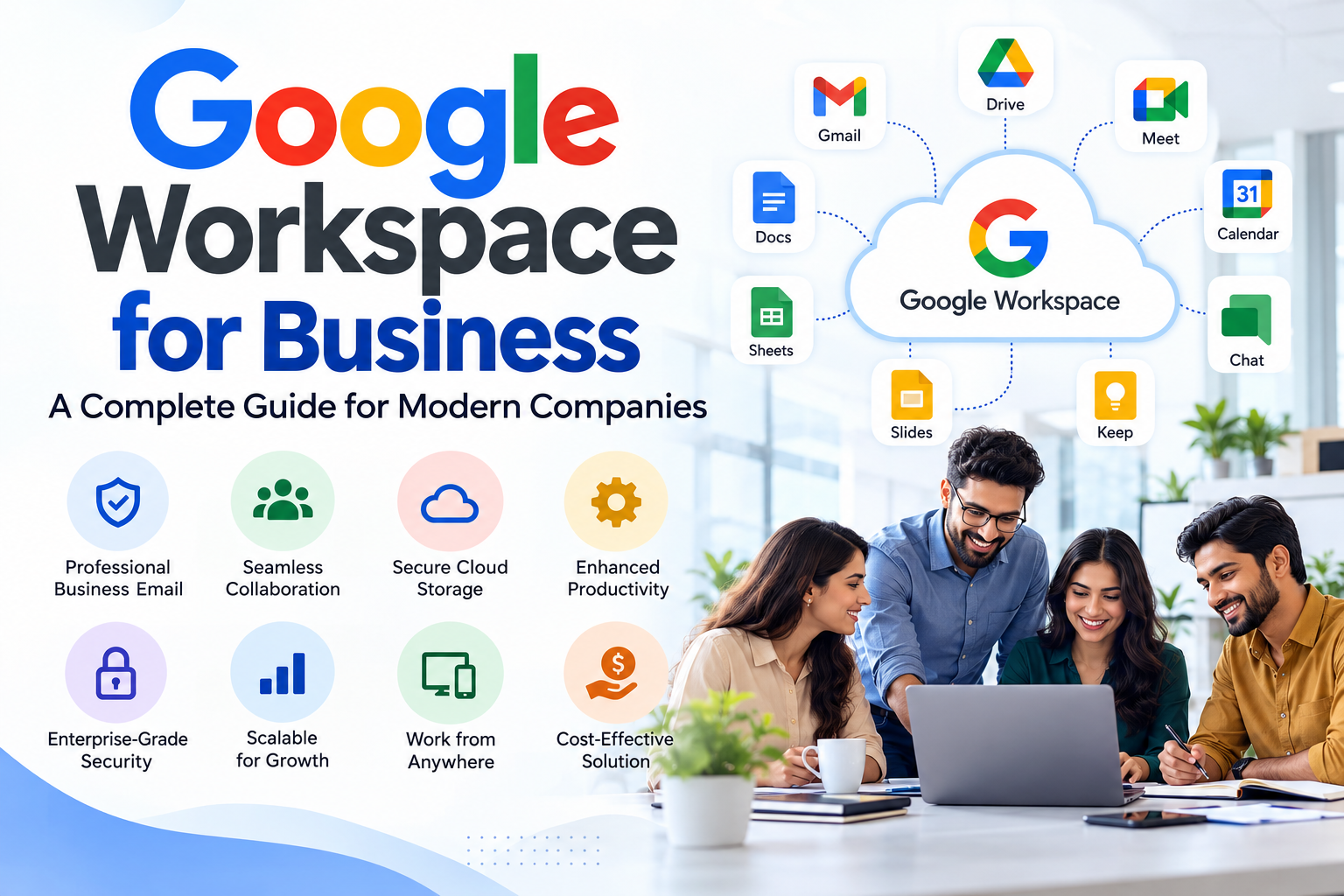
Google Workspace for Business: A Complete Guide for Modern Companies
Modern businesses need more than a professional email address. Teams need reliable communication, secure file storage, online collaboration, calendars, meetings, and tools that allow employees to work efficiently from anywhere. This is where Google Workspace has become an important productivity platform for businesses of all sizes.
Google Workspace brings business email, cloud storage, video meetings, document collaboration, calendars, and other productivity tools together under one platform. For companies looking to improve communication and simplify their IT environment, it can provide a practical foundation for day-to-day operations.
What Is Google Workspace?
Google Workspace is Google’s collection of cloud-based productivity and collaboration applications designed for organizations. It includes services such as Gmail, Google Drive, Google Docs, Google Sheets, Google Slides, Google Meet, Google Calendar, and other business-focused tools.
Instead of managing separate applications and infrastructure for email, file sharing, meetings, and collaboration, businesses can manage many of these requirements through one centralized environment.
For example, an employee can receive an email through the company’s business address, schedule a meeting through Google Calendar, join the meeting through Google Meet, and collaborate on documents through Google Drive and Docs.
Professional Business Email
One of the primary reasons businesses adopt Google Workspace is professional email.
Instead of using a generic email address, organizations can operate email accounts using their own domain, such as name@company.com. A professional domain-based email address can provide a more consistent business identity when communicating with customers, vendors, partners, and prospects.
Google Workspace also provides administrative controls that allow businesses to create users, manage accounts, apply security policies, and control access.
Collaboration From Anywhere
Modern teams are often distributed across different locations. Google Workspace allows employees to work on files and documents online rather than depending entirely on locally stored files.
Multiple team members can collaborate on Google Docs, Sheets, and Slides, while Google Drive provides centralized cloud storage for business files.
This can reduce the need to email multiple versions of documents between employees and makes it easier for teams to work from different locations.
Google Meet for Business Communication
Remote meetings have become an important part of business operations. Google Meet provides businesses with an integrated solution for online meetings.
Organizations can use Google Calendar to schedule meetings and provide employees with a straightforward way to join online calls.
This integration can be especially useful for companies with remote teams, multiple offices, clients in different countries, or employees who regularly work from home.
Security and Administration
Business productivity also requires strong administration and security.
Google Workspace administrators can manage users, organizational settings, authentication options, applications, and access policies from the administration environment.
Businesses can also implement security practices such as two-step verification, account recovery controls, email authentication, and appropriate access management.
However, configuring a business environment correctly requires more than simply creating user accounts. Incorrect DNS records, weak security settings, poor account management, or improperly configured email authentication can create operational and security problems.
Why Businesses Work With a Google Workspace Partner
Setting up Google Workspace may look straightforward, but businesses often need help with domain configuration, migration, user provisioning, security, administration, licensing, and ongoing support.
A Google Workspace Partner such as TechFuse MarkTech can help businesses plan and implement their Workspace environment according to their operational requirements.
This can be particularly useful during migrations from traditional email hosting, Microsoft environments, legacy servers, or other cloud platforms.
Is Google Workspace Suitable for Your Business?
Google Workspace can be suitable for startups, small businesses, agencies, professional services companies, growing organizations, and larger teams that require cloud-based collaboration.
The right setup depends on factors such as the number of users, storage requirements, security needs, existing email infrastructure, compliance requirements, and business workflows.
Final Thoughts
Google Workspace provides businesses with a centralized environment for professional email, collaboration, cloud storage, meetings, and productivity. However, getting the most from the platform requires proper planning and administration.
TechFuse MarkTech helps businesses with Google Workspace setup, administration, migration, security, and related email infrastructure requirements. With the right configuration and ongoing management, businesses can build a more organized and reliable digital workplace.