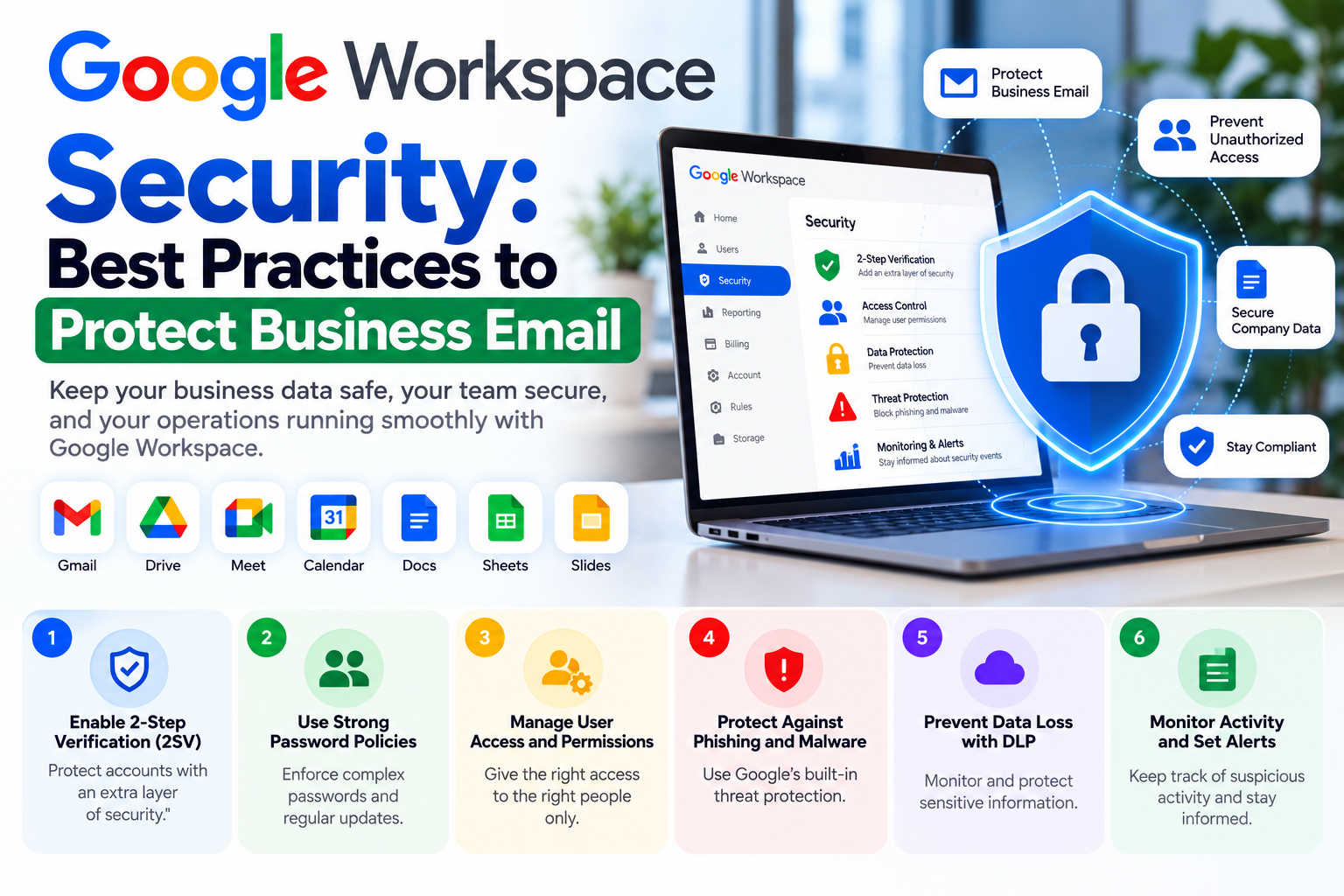
Google Workspace Security: Best Practices to Protect Business Email
Business email contains some of an organization’s most valuable information. Customer conversations, invoices, contracts, passwords, documents, financial information, and internal communications may all pass through company accounts.
For this reason, Google Workspace security should be treated as an ongoing business requirement rather than a one-time configuration task.
Organizations using Google Workspace can implement several security practices to strengthen their environment and reduce unnecessary risks.
Use Strong Authentication
One of the most important steps businesses can take is strengthening user authentication.
Passwords alone may not provide sufficient protection against modern account attacks. Businesses should consider two-step verification and appropriate authentication policies for their users.
Administrators should also review administrator accounts carefully because compromised administrative access can affect the entire organization.
Protect Administrator Accounts
Administrator accounts have powerful permissions and should receive additional attention.
Organizations should avoid using administrator accounts for routine activities wherever possible. Administrative access should be assigned only to employees who genuinely require it.
Businesses can also maintain multiple administrative accounts to reduce dependence on a single account.
Configure Email Authentication
Email authentication helps organizations establish trust around their domain.
SPF identifies authorized sending sources. DKIM allows outgoing messages to be cryptographically signed, while DMARC provides a policy framework for handling authentication results.
These technologies are particularly important for businesses that send customer communications, transactional email, newsletters, or legitimate outreach.
Monitor Suspicious Activity
Security is not only about preventing attacks. Businesses should also monitor activity that could indicate compromised accounts.
Administrators should review security alerts, unusual sign-ins, suspicious applications, and other available indicators.
Early detection can help reduce the impact of an account compromise.
Control Third-Party Applications
Employees often connect external applications to business accounts.
While integrations can improve productivity, unnecessary third-party access can increase risk.
Organizations should establish policies for application access and periodically review connected applications.
Access that is no longer required should be removed.
Manage User Access
Employee access should reflect their current role.
When employees change departments or leave an organization, administrators should review their account access, groups, applications, and business data.
A documented onboarding and offboarding process can make this easier.
Protect Business Data
Google Drive and other Workspace services may contain sensitive company information.
Businesses should establish appropriate sharing policies and educate employees about the difference between internal and external sharing.
Important files should not be shared publicly unless there is a legitimate business reason.
Train Employees
Technology alone cannot eliminate every security risk.
Employees should understand common threats such as phishing emails, suspicious attachments, fake login pages, social engineering, and fraudulent requests for payments or credentials.
Regular awareness training can complement technical controls.
Review Security Regularly
Business environments change over time. New employees join, old accounts are removed, applications are connected, domains change, and business processes evolve.
For this reason, Workspace security should be reviewed regularly rather than configured once and forgotten.
How TechFuse MarkTech Can Help
TechFuse MarkTech provides Google Workspace administration and related business email infrastructure services.
Our team can help organizations review their Workspace configuration, manage users, configure email authentication, support migrations, and maintain their business email environment.
Professional administration can be particularly useful for organizations without a dedicated Google Workspace specialist.
Final Thoughts
Google Workspace provides businesses with powerful tools, but security depends heavily on how those tools are configured and managed.
Strong authentication, protected administrator accounts, email authentication, access management, application reviews, employee awareness, and regular security checks can help organizations build a more resilient environment.
For businesses relying heavily on email and cloud collaboration, investing in proper Google Workspace administration can help protect both productivity and business information.